

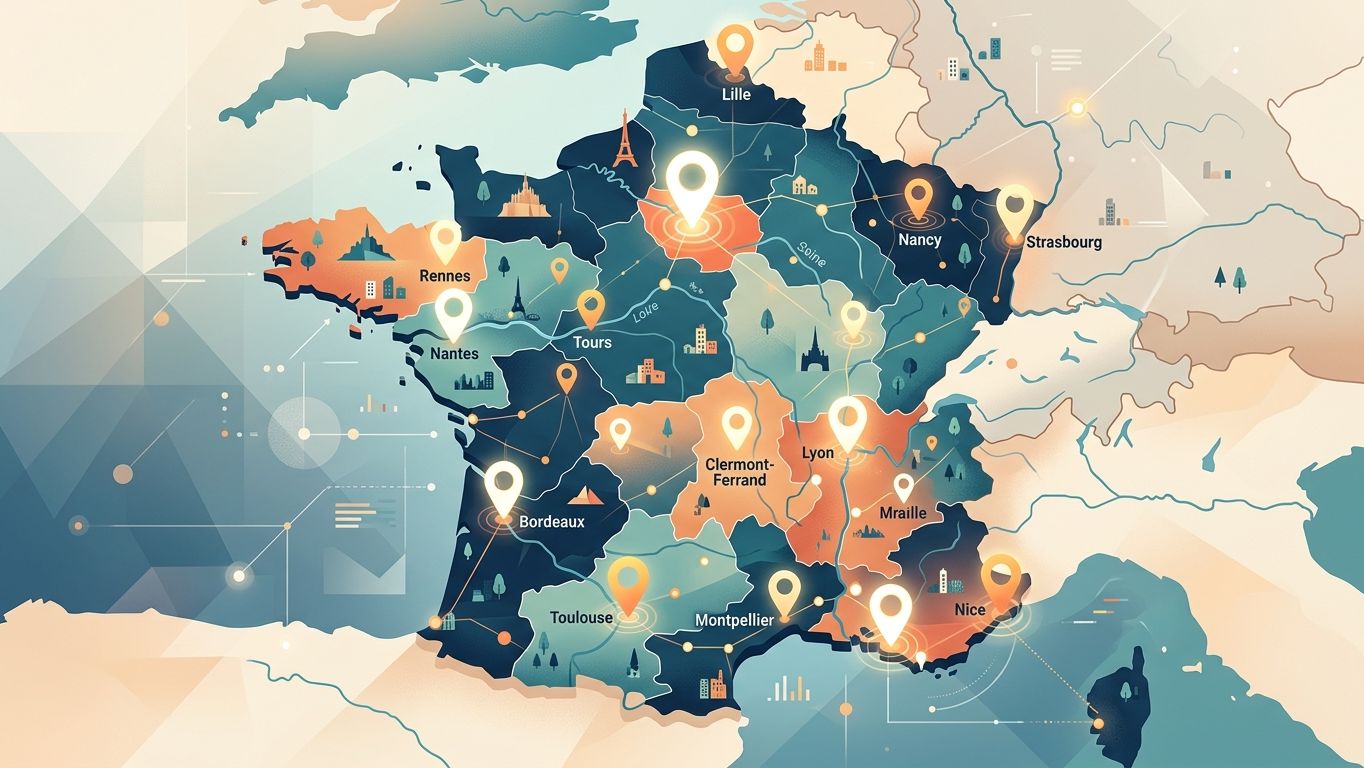
46% of Google searches have local intent (SearchEngineRoundtable, 2026). Yet, most multi-location SMEs settle for a single contact page with a list of cities. The result: they are invisible where their customers are searching, and their competitors snatch up the Map Pack.
Here's how to structure local pages that rank, convert, and resist Google's duplicate content penalties.
Why a single "service areas" page is no longer enough
A generic page listing ten cities doesn't target any of them effectively. Google needs strong geographical signals to associate your site with a precise local query: dedicated content, schema.org markup, NAP (Name, Address, Phone) consistency, and anchoring in the local ecosystem.
On mobile, 88% of local searches lead to a store visit within a week (Think with Google). If your page doesn't answer "plumber Lyon 3" or "accountant Bordeaux Chartrons", you simply don't exist for that user.
The classic trap: creating ten almost identical pages, changing only the city name. Google detects this duplicate content, devalues the entire domain, and can even trigger a manual action. The challenge is therefore to differentiate without multiplying production costs.
URL architecture: laying the foundations before writing
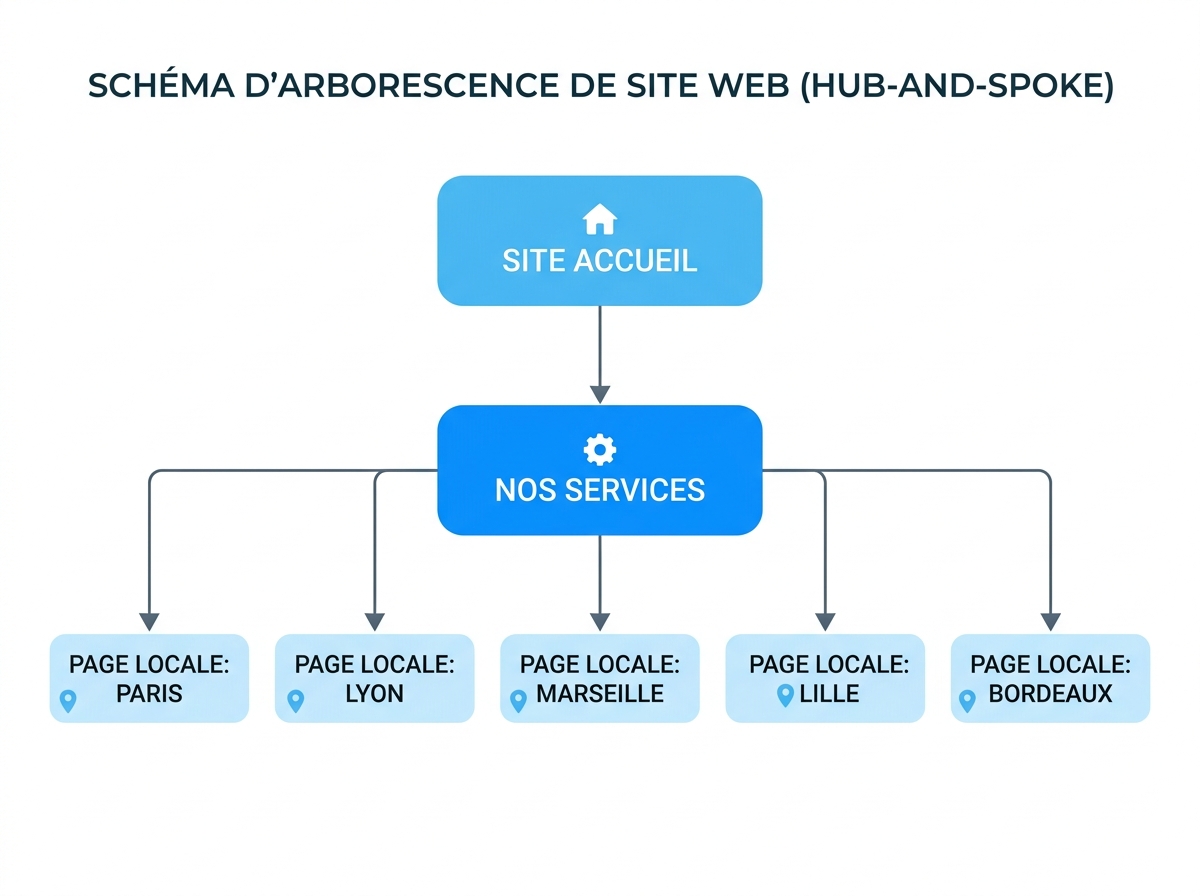
Before writing a single line, define a consistent and scalable URL structure. Two models work well for SMEs:
/services/plumbing/lyon/— service > city logic, ideal if you have multiple services/lyon/plumbing/— city > service logic, relevant if the geographical area is your customers' primary filter
Some non-negotiable rules:
- A unique URL per city/service combination. Never a dynamic parameter (
?city=lyon). - Lowercase slugs, no accents, no unnecessary stop words (
/accountant-bordeaux/and not/accountant-in-bordeaux-gironde/). - A "hub" parent page (
/services/plumbing/) that links all local variations — this is what concentrates authority and redistributes it.
This architecture also facilitates internal linking: each local page points to the hub, the hub points to each city, and local pages link to each other for nearby cities.
City-differentiated content: the 60% rule
The practical rule: at least 60% of the content must be unique to each local page. This isn't an arbitrary constraint — it's what separates a page that ranks from a page Google ignores.
Specifically, here's what you can differentiate without blowing your production budget:
- The hook and local context: mention a neighbourhood, an event, a specific city issue (e.g., parking constraints for a tradesperson in Lyon city centre, seismic standards in Provence).
- Local client references: a testimonial from a client in Nantes doesn't have the same value on a page targeting Bordeaux. Adapt it.
- Local market data: average price per m² for a real estate agency, business creation rate for an accountant — these figures anchor your expertise in local reality.
- Local team or contact person: if you have a sales representative based in Marseille, highlight them on the Marseille page.
- Local FAQs: questions vary by city. "Do I need a building permit for a conservatory in Strasbourg?" is different from the same question in Paris.
The service presentation block (what you do, how, why you) can remain 40% common. This is your brand foundation. But everything related to geographical anchoring must be original.
Schema.org LocalBusiness: the markup that speaks to search engines and AIs
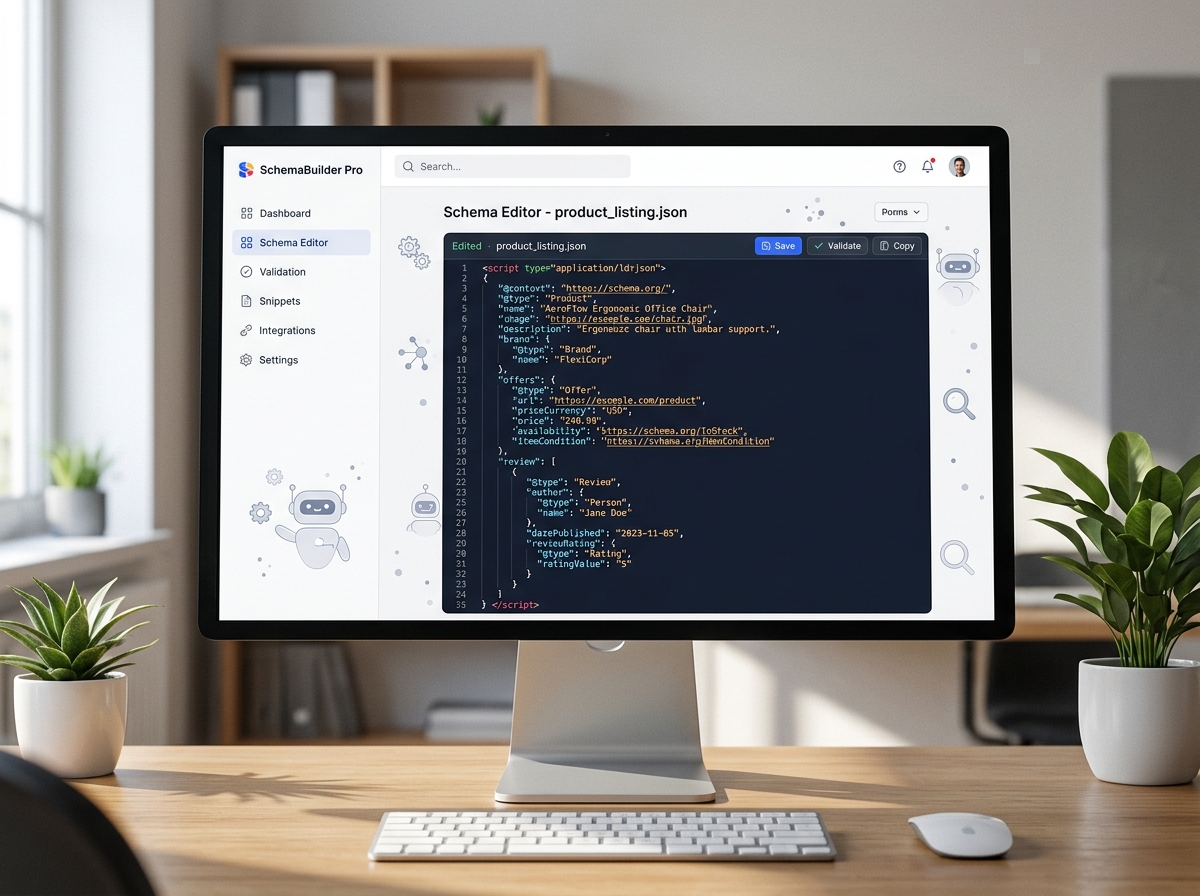
Schema.org LocalBusiness is the most powerful structured signal for local SEO. It allows Google — and AI agents like ChatGPT or Gemini — to extract your information directly, without having to interpret your HTML.
Here are the essential properties for each local page:
```json
{
"@context": "https://schema.org",
"@type": "LocalBusiness",
"name": "Your Company — Lyon",
"address": {
"@type": "PostalAddress",
"streetAddress": "12 rue de la République",
"addressLocality": "Lyon",
"postalCode": "69001",
"addressCountry": "FR"
},
"telephone": "+33 4 XX XX XX XX",
"url": "https://your-site.fr/services/plumbing/lyon/",
"areaServed": {"@type": "City", "name": "Lyon"},
"openingHoursSpecification": [...]
}
```
Two often-forgotten points: the areaServed property (which specifies the service area, distinct from the physical address) and sameAs (which links your Google Business Profile, your LinkedIn page, your Pages Jaunes profile). These cross-links strengthen your entity reputation in the eyes of search engines.
If you don't have a physical address in each city, use the Service type combined with areaServed rather than fabricating a false address — Google penalises fictitious addresses, especially on Google Business Profile.
Consistent NAP: the error that sabotages everything else
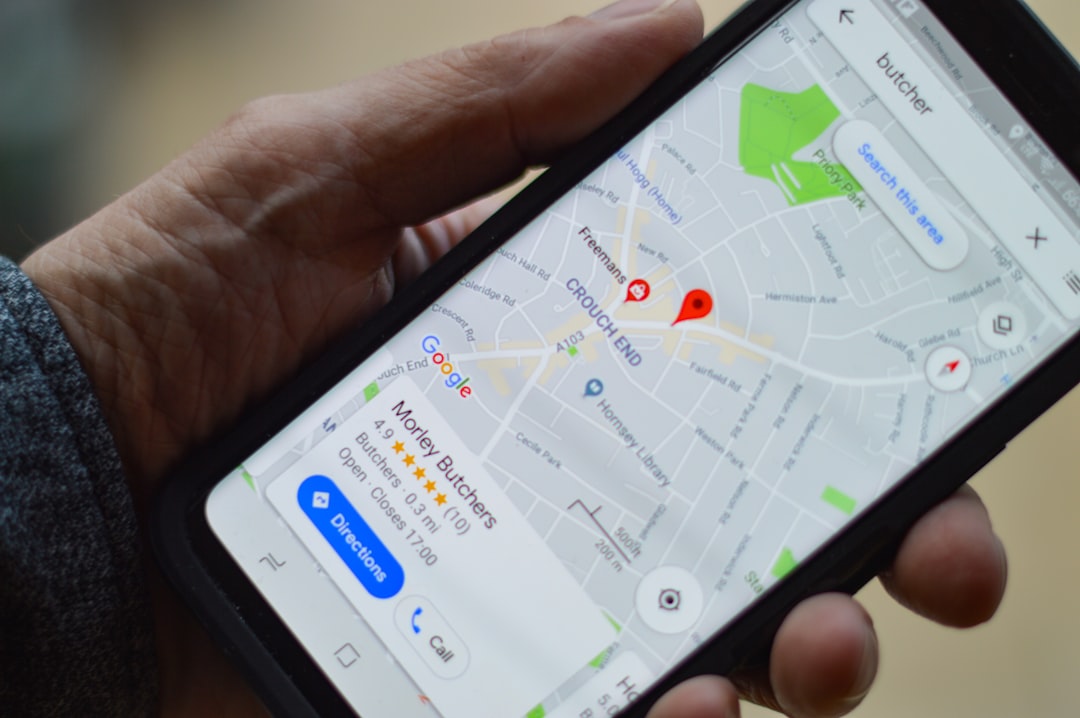
The NAP (Name, Address, Phone) must be rigorously identical on your website, your Google Business Profile, directories (Pages Jaunes, Yelp, Mappy, Tripadvisor), and social media. A comma difference, an inconsistent abbreviation ("Av." vs "Avenue"), an old phone number — and Google loses confidence in your data.
In practice:
- Audit your existing citations with a dedicated tool. Solutions like BrightLocal or Yext can detect inconsistencies — but their cost (often several hundred euros per month) and complexity reserve them more for large brands. For an SME, a targeted local visibility audit is often more cost-effective.
- Standardise a reference format (full company name, standardised La Poste postal address, international format number).
- Prioritise updating high-authority sources: Google Business Profile, Apple Maps, Facebook, Pages Jaunes.
Inconsistent NAP dilutes your local signal and can cause your Map Pack ranking to drop, even if your content is excellent.
The pitfalls of duplicate content: what Google truly punishes
Google doesn't automatically penalise duplicate content — it devalues it. The least unique page will be ignored in favour of the one Google considers the "canonical source". In a multi-city context, this means that only one or two of your local pages will be indexed if they are too similar.
The most common errors observed in the field:
- Simple city replacement: "We operate in [CITY] for all your plumbing needs" copied and pasted ten times.
- Identical title tags and meta descriptions: each local page must have a unique title including the city and service (
Plumber Lyon 3 — Fast 24/7 Intervention | YourCompany). - Absence of canonical tag: if you have similar pages for technical reasons, use
<link rel="canonical">to indicate the reference version. - Local pages without inbound links: an isolated page, without internal linking or external citation, will never be well-ranked. Build links from local directories, regional professional associations, local press articles.
A semantic audit precisely identifies which pages are cannibalising each other and which deserve to be consolidated or enriched.
Conversion: turning local traffic into customers
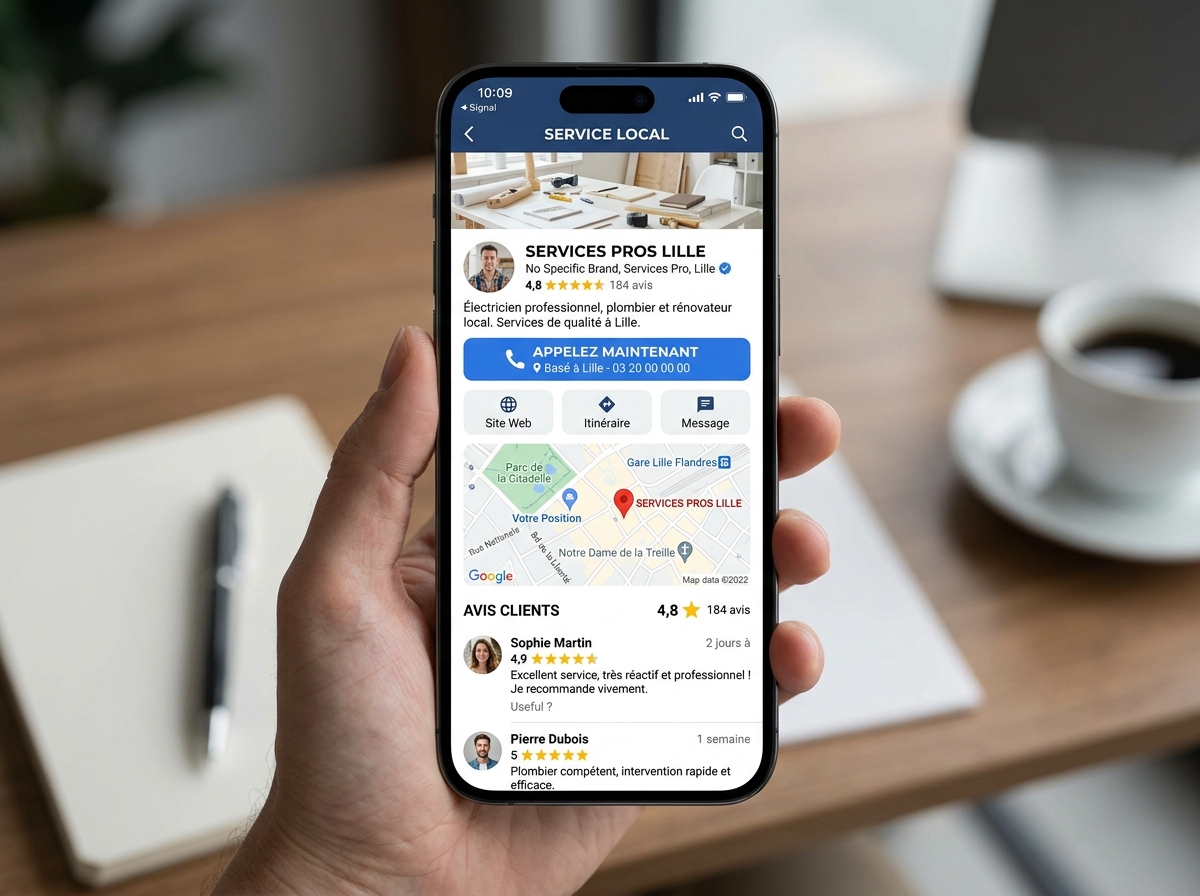
Ranking is one step. Converting is another. A local page that generates traffic but no calls or forms is a wasted investment.
Conversion elements specific to local pages:
- A geolocated CTA: "Call our Lyon team" with a local number (or a tracking number per city) is more reassuring than a generic national number.
- Local social proof: Google reviews filtered by city, testimonials with first name and town, recognisable local client logos.
- A short form with pre-filled city field: reduce friction. If the user lands on
/plumbing/lyon/, the "Your city" field should already display "Lyon". - Integrated Google Maps: it strengthens geographical credibility and improves time spent on the page.
- Local opening hours and intervention times: "Intervention within 2 hours in Lyon and its metropolitan area" is much more convincing than "Fast intervention".
Businesses in the top 3 of the Map Pack get 126% more traffic and 93% more actions than those ranked 4th to 10th (Semrush, 2026). Every optimisation counts.
Measuring and evolving your local strategy
A local page strategy is not a "one-shot" project. It is managed over time with precise indicators:
- Positions per page and per city in Google Search Console (filter by URL)
- Click-through rate (CTR): a low CTR on a well-ranked page signals a title or meta description that needs reworking
- Conversions by geographical source in Google Analytics 4 (segments by city)
- Evolution of Google reviews per establishment, if you have multiple GBP listings
Re-evaluate each page every six months. A city that generates no traffic after six months of indexing deserves either content enrichment or consolidation with a neighbouring page.
If you're starting from scratch or want to audit existing content, a 360° visibility audit will give you a precise map of opportunities by area — and identify pages that are cannibalising each other before they penalise your entire domain. This is often the most cost-effective starting point for an SME that wants to scale its local presence without starting from scratch.