

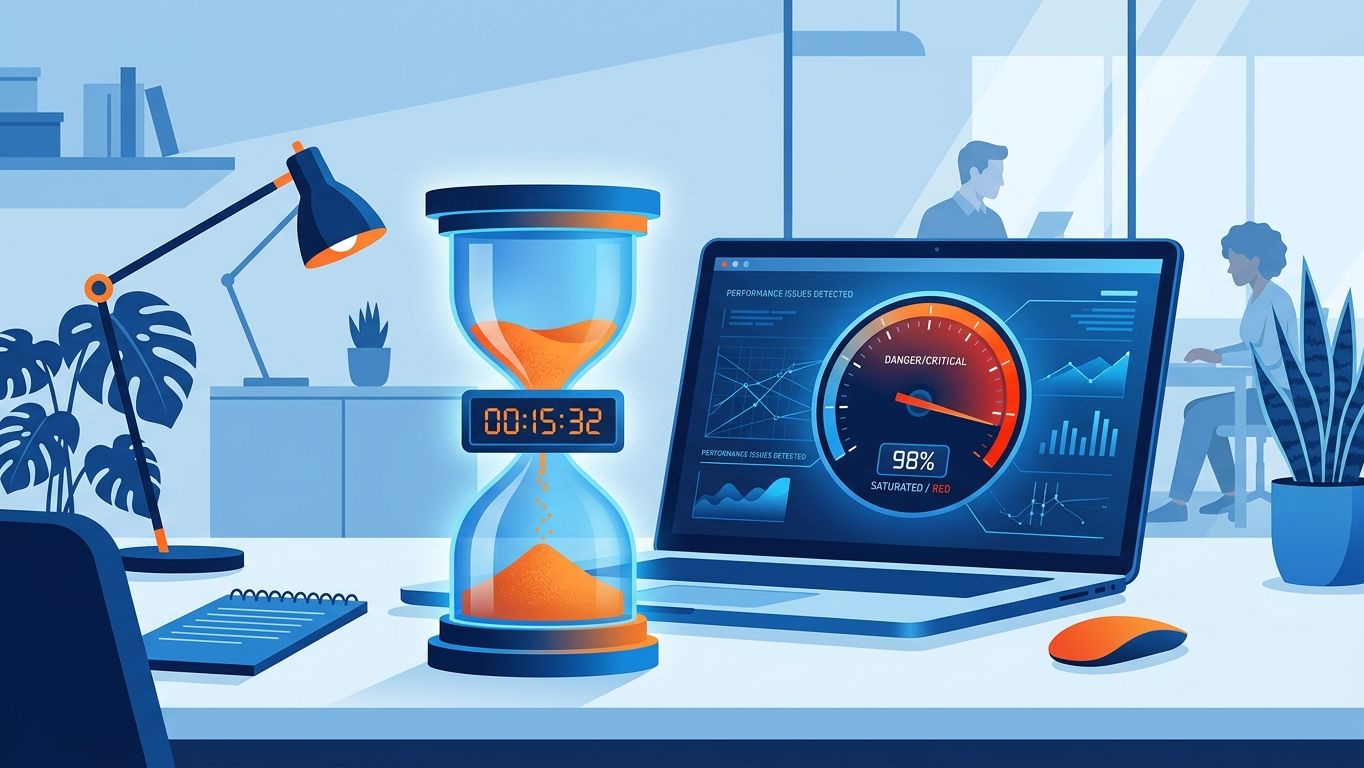
Your site has been online for months, but you're not getting any leads. Before you rethink your ad budget, ask yourself a simple question: does your site load in under 3 seconds, and does it know why it exists?
A slow website is a silent revenue leak
53% of mobile users abandon a page that takes more than 3 seconds to load (Google). This isn't an abstract statistic: it's half your visitors disappearing before they've even read your offer. And according to HubSpot, a site that loads in 6 seconds converts 3 times less than a site that loads in 2.4 seconds.
Slowness isn't just a user experience problem. Google has incorporated Core Web Vitals (LCP, INP, CLS) as a ranking signal since 2021 — and strengthened them in 2024. A site that's too slow is therefore doubly penalised: it loses its visitors AND its organic visibility.
The most common causes for SMEs
- Uncompressed images (often responsible for 60-80% of a page's weight)
- Low-end shared hosting with server response times > 600 ms
- WordPress plugins piled up without a performance audit
- Blocking JavaScript resources loaded as a priority
- Absence of browser cache or CDN
These problems can be diagnosed in less than 10 minutes with PageSpeed Insights or GTmetrix — but fixing them without a method often means treating a symptom without addressing the cause.
Without strategy, even a fast website won't convert
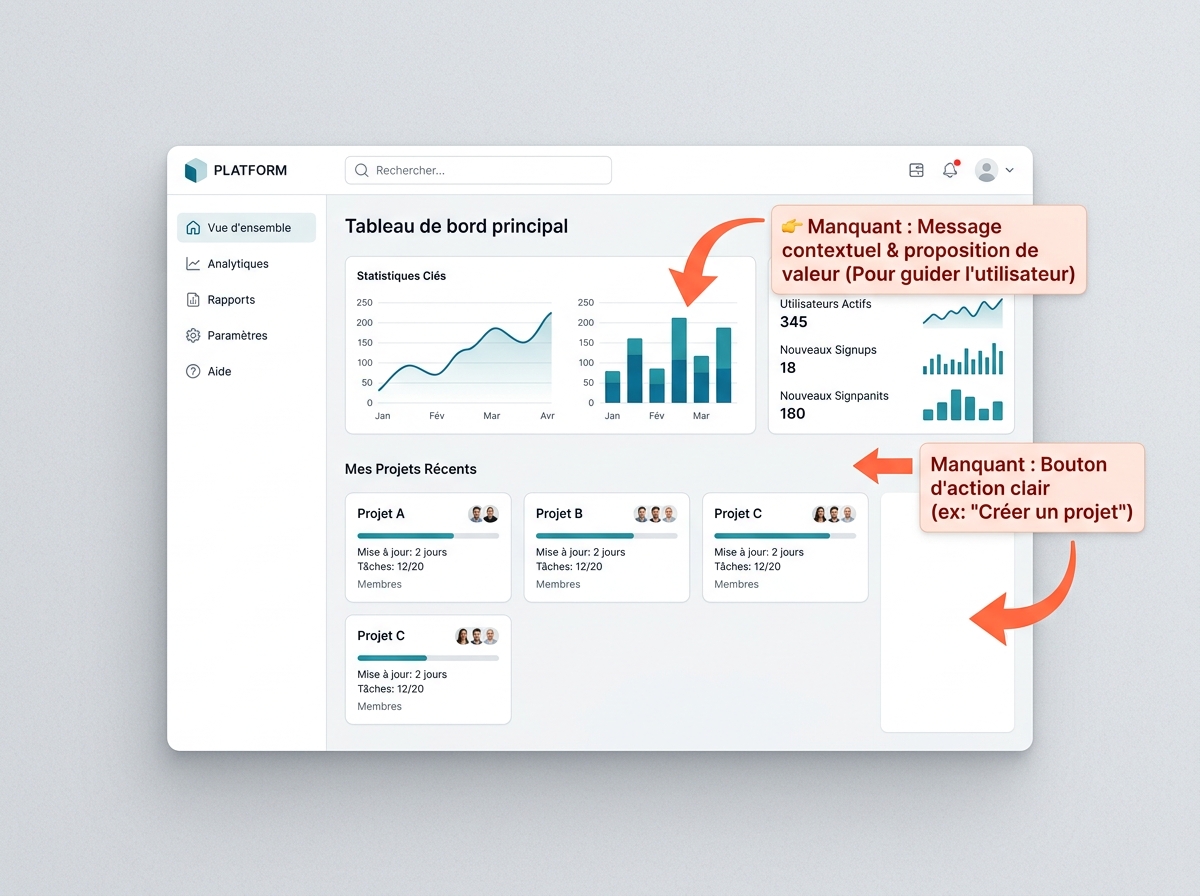
A fast website that doesn't clearly state what it offers remains useless. Many SMEs launch their site without answering three fundamental questions: what specific objective (contact, quote, purchase, call?), what user journey (how does the visitor achieve this objective?), and what central message (why you rather than a competitor?).
The result: pages with no visible call to action, confusing navigation, and no content that answers prospects' real questions. The site exists, but it's not working.
The most common strategic errors
- No clear CTA: the visitor doesn't know what to do next
- No differentiation: the value proposition is generic or absent
- Zero value-added content: no blog, no FAQ, no useful resources
- No measurement: Google Analytics not configured, no conversion tracking
- Key pages not optimised: the homepage talks about the company, not the customer
A tool like Semrush can give you a list of keywords, but it doesn't replace thinking about your positioning. And Screaming Frog detects technical errors — without telling you if your message is the right one. These tools are powerful, but designed for expert marketing teams, not for an SME director who manages everything at once.
The concrete consequences of a slow, strategy-less website
Imagine a physical shop whose door takes 10 seconds to open, with no sign, no salesperson, no visible products. You leave. On the web, exactly the same thing happens.
Concretely, a slow website without a strategic direction produces:
- A high bounce rate (often > 70%) which signals to Google that the content is not very relevant
- An exploding advertising acquisition cost: you pay for Google Ads clicks for visitors who leave immediately
- A degraded brand reputation: 71% of internet users trust a brand with a slow website less (Fasterize)
- Stagnant organic referencing: Google crawls fewer pages on slow sites, limiting your indexing
These consequences accumulate silently. The problem isn't visible in your accounts — but it can be seen in your stats.
How to diagnose your situation in 10 minutes
Before acting, measure. Here's a quick protocol:
1. Test the speed: enter your URL into PageSpeed Insights. Aim for a score > 80 on mobile. Below 50, it's urgent.
2. Check your Core Web Vitals: in Google Search Console, "Experience" > "Core Web Vitals" section. Red URLs = a negative signal for your ranking.
3. Audit your strategy: open your homepage and ask yourself these questions:
- Does a stranger understand what you offer in 5 seconds?
- Is there a visible action button or link without scrolling?
- Is your difference from your competitors explicit?
If you answer no to any of these questions, you have a strategic problem, not just a technical one.
The 5 priority actions to correct the situation
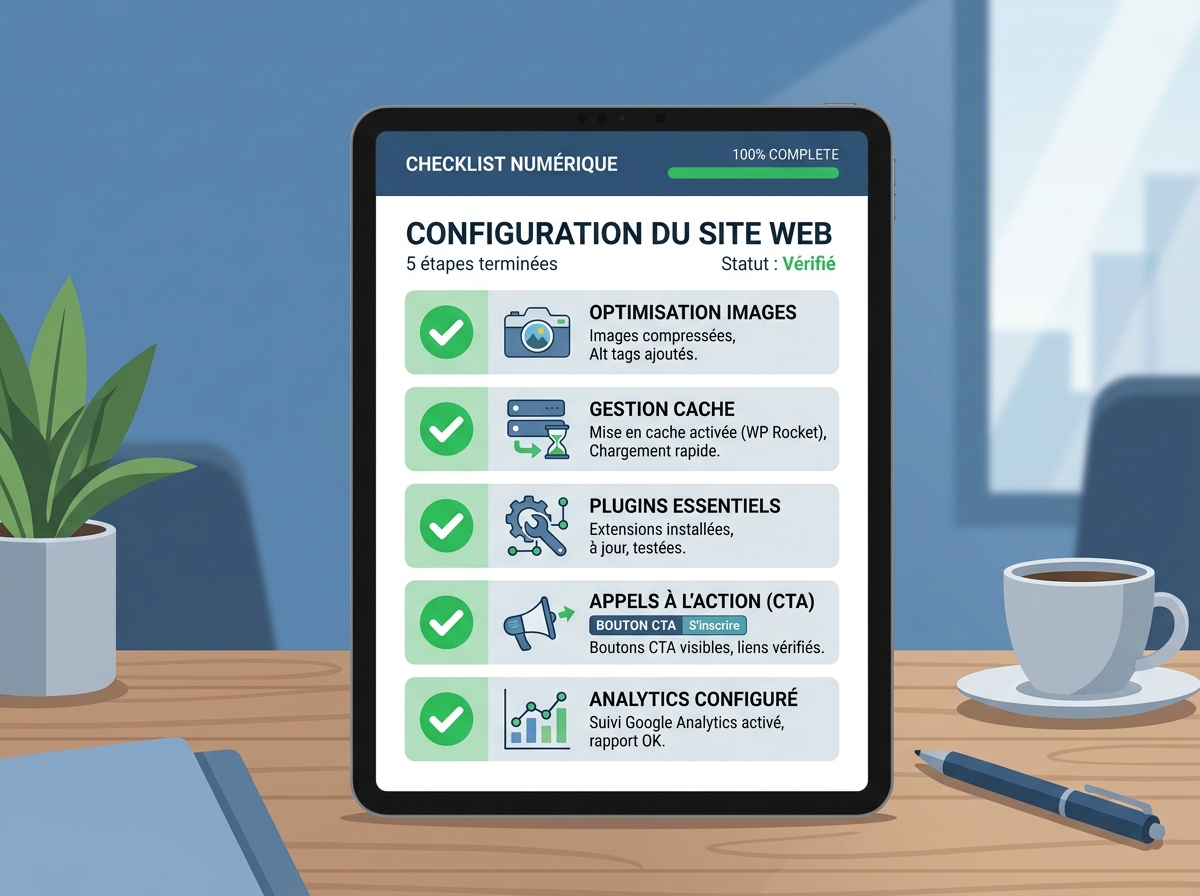
No need to start from scratch. These five actions produce measurable results in a few weeks:
1. Compress and convert your images
Convert all your images to WebP format and compress them to under 150 KB. This alone can reduce a page's weight by 40-60%. Free tools: Squoosh, TinyPNG.
2. Activate cache and a CDN
A caching plugin (WP Rocket, LiteSpeed Cache on WordPress) drastically reduces response times. A CDN (Cloudflare, free) distributes your static files from servers close to your visitors.
3. Audit and deactivate unnecessary plugins
Every WordPress plugin adds code loaded with each visit. Deactivate anything that isn't essential. Fewer plugins = fewer security risks and better performance.
4. Define a conversion objective per page
Each page of your site must have one main objective and a visible CTA. Homepage → contact. Service page → quote request. Blog page → subscription or download. Not two objectives, just one.
5. Implement conversion tracking
Without data, you're flying blind. Configure Google Analytics 4 with conversion events (click on contact button, form submission, phone call). You'll finally know what works.
What a complete technical and strategic audit reveals

The actions above correct the most visible errors. But a long-term performing site relies on a deeper analysis: page architecture, internal linking, meta tags, E-E-A-T signals, semantic consistency, mobile experience.
This is exactly what a 360° visibility audit covers: a complete X-ray of your site, both technical AND strategic, with recommendations prioritised according to their real impact on your traffic and conversions.
Unlike an automated report from Semrush or Ahrefs — which gives you a list of hundreds of errors without prioritising or contextualising them — a Digitalyser audit is interpreted by experts who understand the constraints of SMEs: limited budget, no dedicated technical team, need for quick results.
If you want to go further on the SEO dimension, our SEO service covers on-page optimisation, content strategy, and position tracking — with human support, not a dashboard to decipher alone.
Test your site now: 3 minutes is all it takes
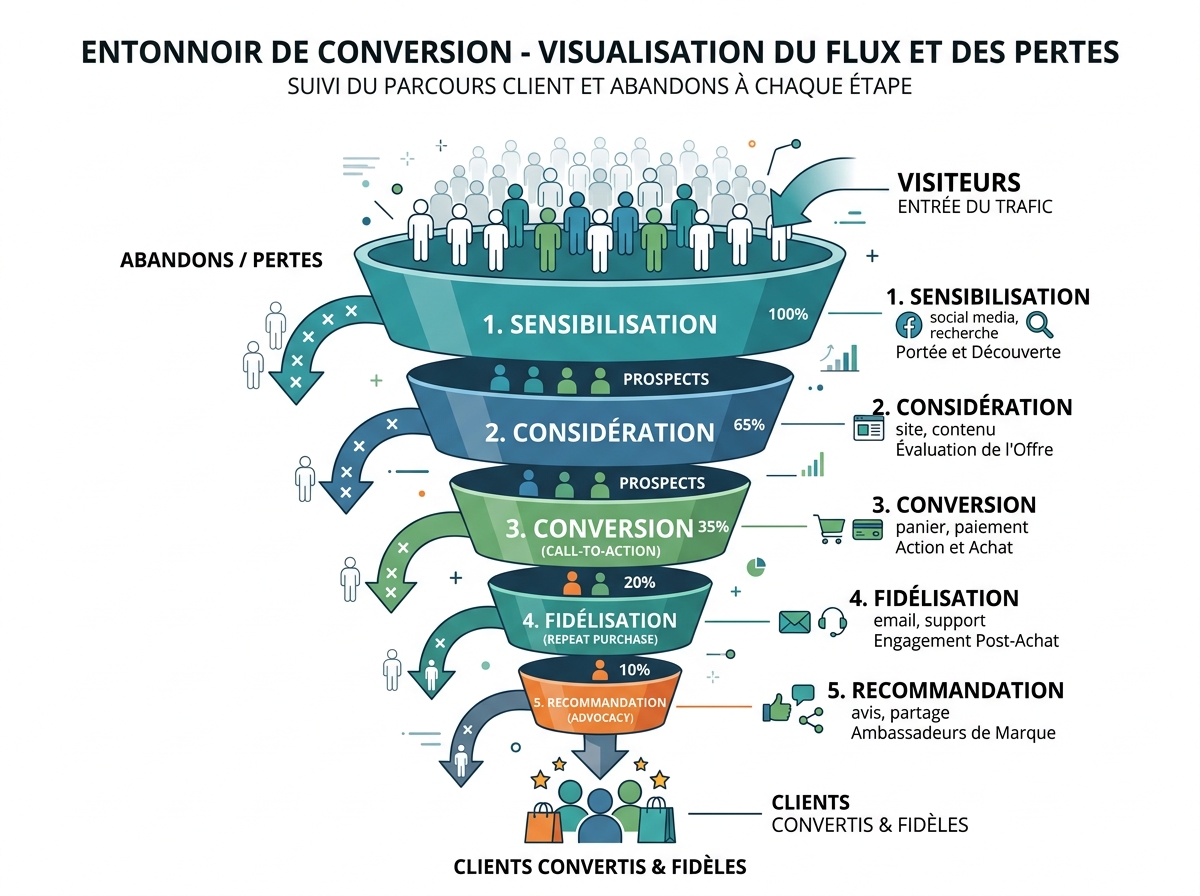
You don't need to wait for a redesign to start acting. Launch a free audit on Digitalyser: in a few minutes, you'll get a diagnosis of your technical performance, local visibility, and online presence — with concrete action points, not a list of raw errors.
A slow website without a strategy is money left on the table every day. The question isn't whether you should act — but how much longer you can afford to wait.