

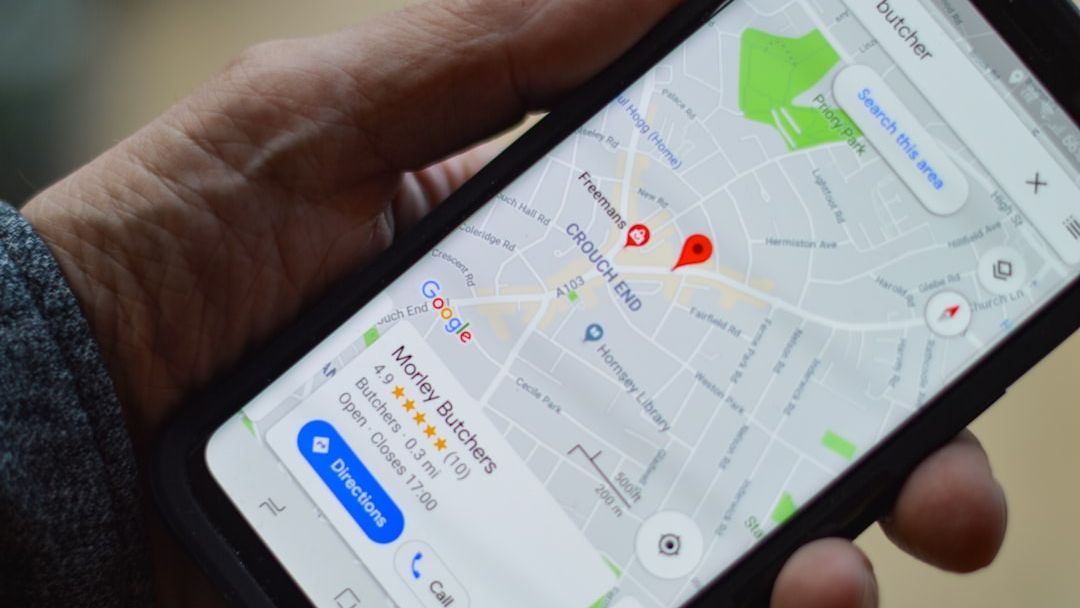
46% of Google searches have local intent (BrightLocal, 2025). Yet, only 35% of SMEs have a properly optimised Google Business Profile. The result: your competitors are capturing customers who could have walked through your door.
Why the Local Pack is the number one priority for an SME
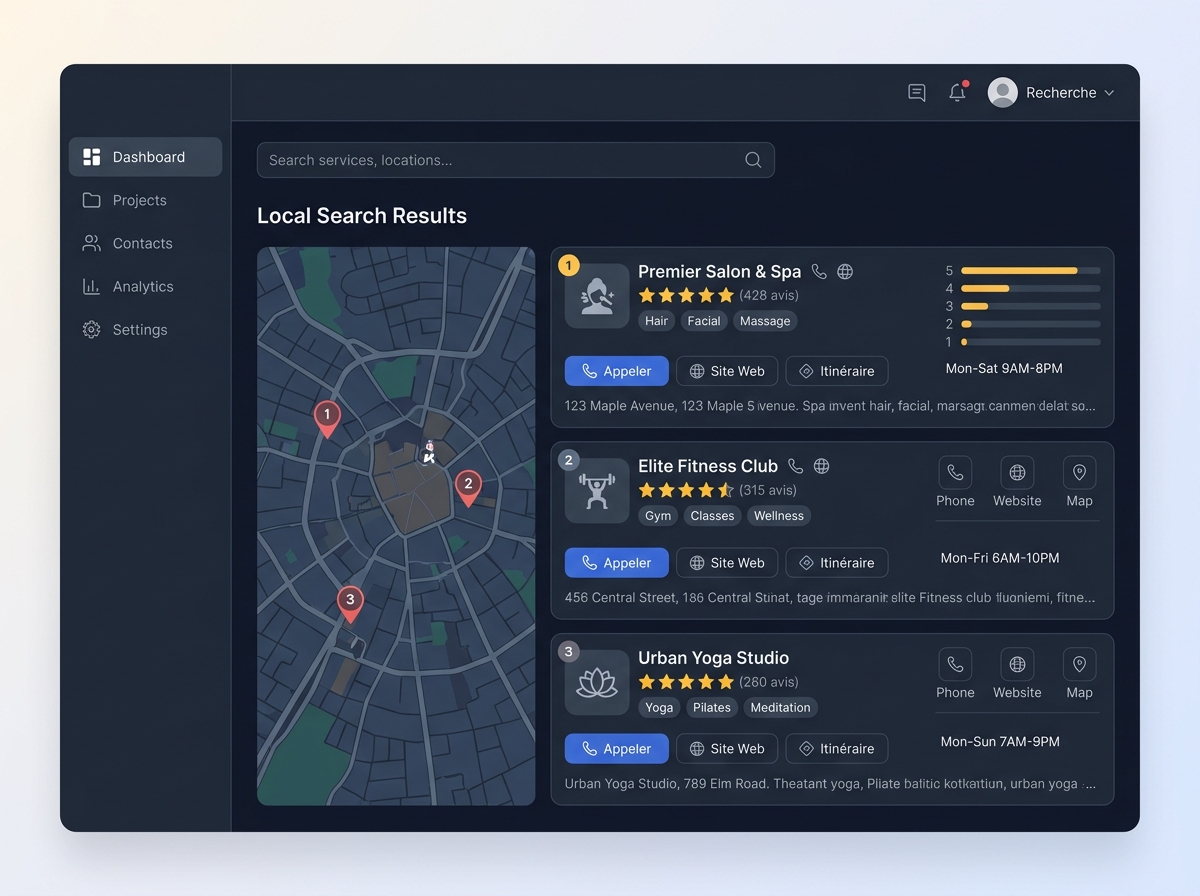
The Local Pack — that block of three results with a map that appears at the top of Google — accounts for 42% of clicks during a local search (Backlinko, 2024). Businesses in the top 3 get 126% more traffic and 93% more actions compared to positions 4 to 10 (Semrush).
This isn't an advanced digital strategy detail. It's your business's digital shop window, visible even before your website. And 76% of people who perform a local search visit a business within 24 hours (Think with Google).
The good news: Google Business Profile (GBP) accounts for 32% of ranking factors in the Local Pack (BrightLocal, Local Search Ranking Factors 2025). So you have a direct, free, and underutilised lever.
Claiming and verifying your listing: the non-negotiable first step
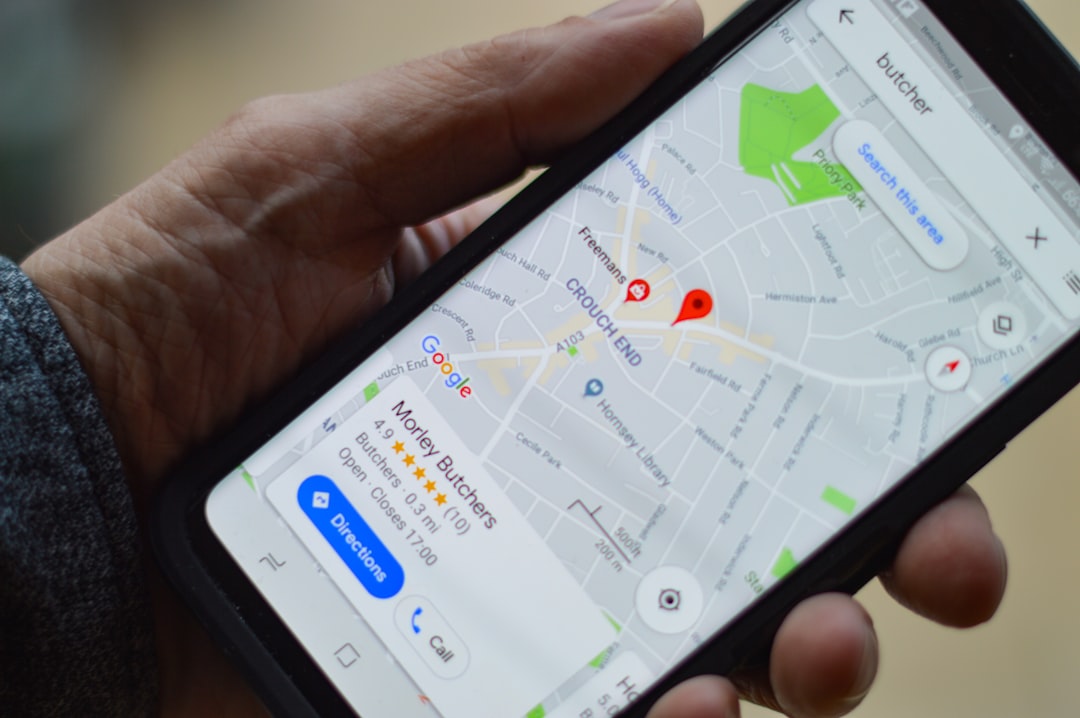
Before any optimisation, you need to claim ownership of your listing. Go to business.google.com, search for your business, then follow the verification process — usually by postal mail, phone call, or video.
Beware: Google sometimes creates automatic listings from public data. If you don't claim it, anyone can suggest modifications, and you lose control of your image.
Once verified, the listing is active. That's where the real work begins.
Completing NAP information: precision and consistency above all
NAP stands for Name, Address, Phone — the basic triptych of local SEO. These three pieces of information must be identical on your GBP listing, your website, your social media, and all online directories.
An inconsistency as minor as a different abbreviation ("Street" vs "St.") is enough to confuse the signals sent to Google and penalise your ranking. Here are the fields to fill in without exception:
- Business name: only the official name, without artificial keywords added (this is a violation of Google's terms)
- Address: complete, with postcode and city
- Phone number: local preferably, not a premium rate number
- Opening hours: up-to-date, including public holidays
- Website URL: to the most relevant page (homepage or contact page)
- Description: 750 characters max, natural, with your main services
Tools like Yext or Partoo allow you to synchronise this data across dozens of directories at the same time — useful if you manage multiple establishments. But their cost and complexity are designed for chains or agencies, not for a starting SME. A local visibility audit can quickly identify inconsistencies without needing a dedicated tool.
Choosing the right categories: the most underestimated lever
The primary category is the strongest relevance signal sent to Google. Choose it carefully: it must exactly match your main activity, not what you'd like to be.
Concrete example: a plumber who chooses "Building Contractor" instead of "Plumber" finds himself competing with much larger players and loses relevance for targeted queries.
Then add up to 9 secondary categories to cover your ancillary services. A restaurant can be "French Restaurant" as primary, then "Gastronomic Restaurant", "Caterer", and "Reception Hall" as secondary.
Check the categories used by your direct competitors in the Local Pack: this is often indicative of the categories that perform well in your sector.
Photos and visuals: the trust argument that converts
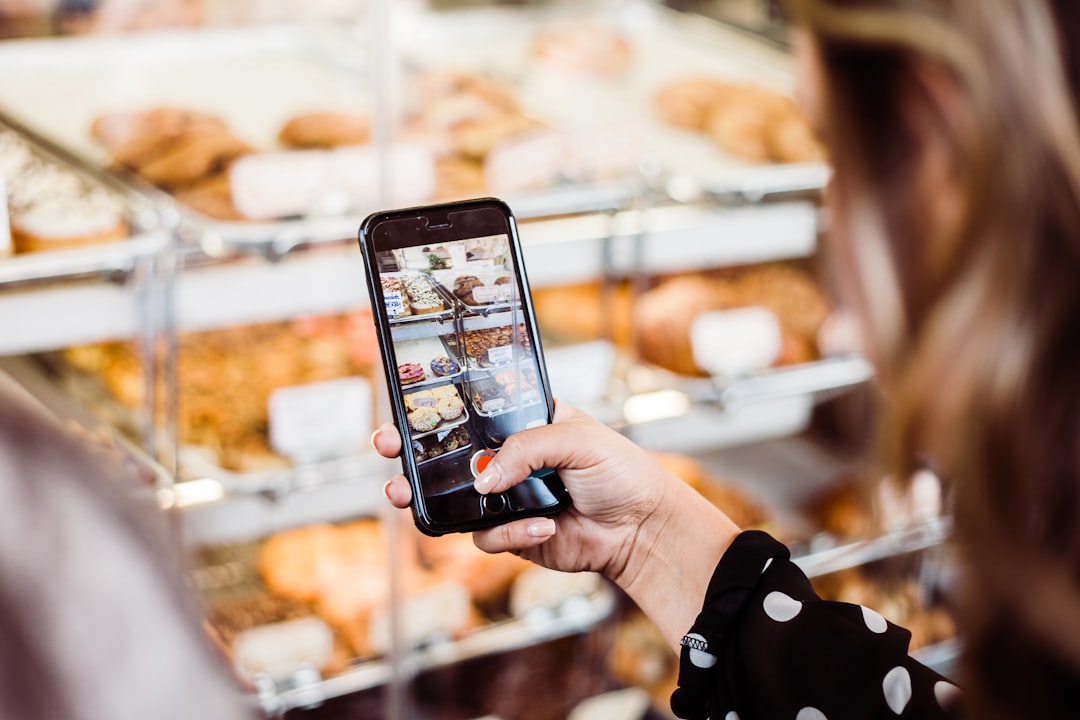
An optimised GBP makes customers 70% more likely to visit the business (Google). Photos are one of the most decisive factors in this equation.
Google recommends a minimum of 10 photos. In practice, listings with more than 100 photos generate 520% more calls than those with fewer than 10 (BrightLocal). Here are the types of visuals to publish:
- Cover photo: exterior of the establishment, recognisable from the street
- Logo: square format, neutral background
- Interior photos: atmosphere, workspace, waiting room
- Team photos: human faces = trust
- Product or achievement photos: concrete proof of your expertise
Name your files with descriptive keywords before uploading them (e.g., artisan-bakery-london-interior.jpg). This is an often-ignored SEO signal.
Customer reviews: obtaining, responding, capitalising
Reviews have become a pillar of local SEO AND conversion. 88% of consumers trust online reviews as much as personal recommendations (Forbes, 2026). Going from 3 to 5 stars increases clicks by 25% (Search Engine Land, 2026).
The most effective strategy in the field: systematically ask for a review after each successful service. A simple SMS with the direct link to your GBP listing is enough. This link can be generated from your Google Business Profile dashboard in a few clicks.
Responding to reviews — both positive and negative — is just as important. Businesses that respond to more than 30% of their reviews generate twice as many leads (Search Engine Land, 2026). A well-worded response to a negative review reassures future customers much more than a perfect rating with no comments.
Never buy fake reviews. Google detects abnormal patterns and can suspend your listing — a difficult sanction to lift.
Google Posts: keeping the listing alive and current
Google Posts are mini-publications directly visible on your listing. They signal to Google that your business is active, and give internet users an additional reason to contact you.
Publish at least once a week. The most effective formats:
- Offer: current promotion, promo code
- New product/service: new product, new service
- Event: workshop, open day
- Update: change of hours, exceptional closure
Each post can include a call-to-action button ("Learn more", "Book", "Call"). Use it systematically.
Errors that cause your local ranking to drop

Even with a well-filled listing, certain errors sabotage your efforts:
- Business name with artificial keywords: "Plumber London - Dupont Plumbing" is a violation of Google's rules and can lead to suspension
- Outdated hours: a customer who makes a wasted journey won't come back
- No response to negative reviews: perceived as disinterest
- Poor quality or generic photos: stock photos provide no trust value
- Too generic primary category: dilutes your relevance for targeted queries
- Unclaimed listing: you hand control over to anyone
BrightLocal and Semrush offer GBP audit tools, but their interface is calibrated for agencies or SEO experts. For an SME that wants a clear diagnosis without prior training, Digitalyser's 360° visibility audit identifies these blocking points in minutes.
GBP and AI visibility: preparing for post-Google
Since 2025, Google's AI Overviews and responses from ChatGPT or Gemini are increasingly integrating data from GBP listings to answer local queries. A complete, consistent, and well-rated listing becomes a data source for these AI agents.
In other words: optimising your GBP today also positions you to be cited by AI tomorrow. This is exactly what Digitalyser calls entity reputation — the fact of clearly existing in the structured databases consulted by search engines and language models.
Your GBP listing is the entry point for this strategy. Well-built, it fuels your local visibility, your e-reputation, and your AI discoverability at the same time.
If you want to know where you really stand — Local Pack, NAP consistency, reviews, AI signals — launch your free audit on Digitalyser and get a complete diagnosis in less than 5 minutes.